Features · Notes
Write down what no document says.
What the caretaker said on the phone, the measurements from the kitchen, who the current tenant is: that belongs in a note, next to the documents it points to. Every note is a Markdown file in your archive — open, simple, readable in any editor.
What a note can do
Write like in a word processor
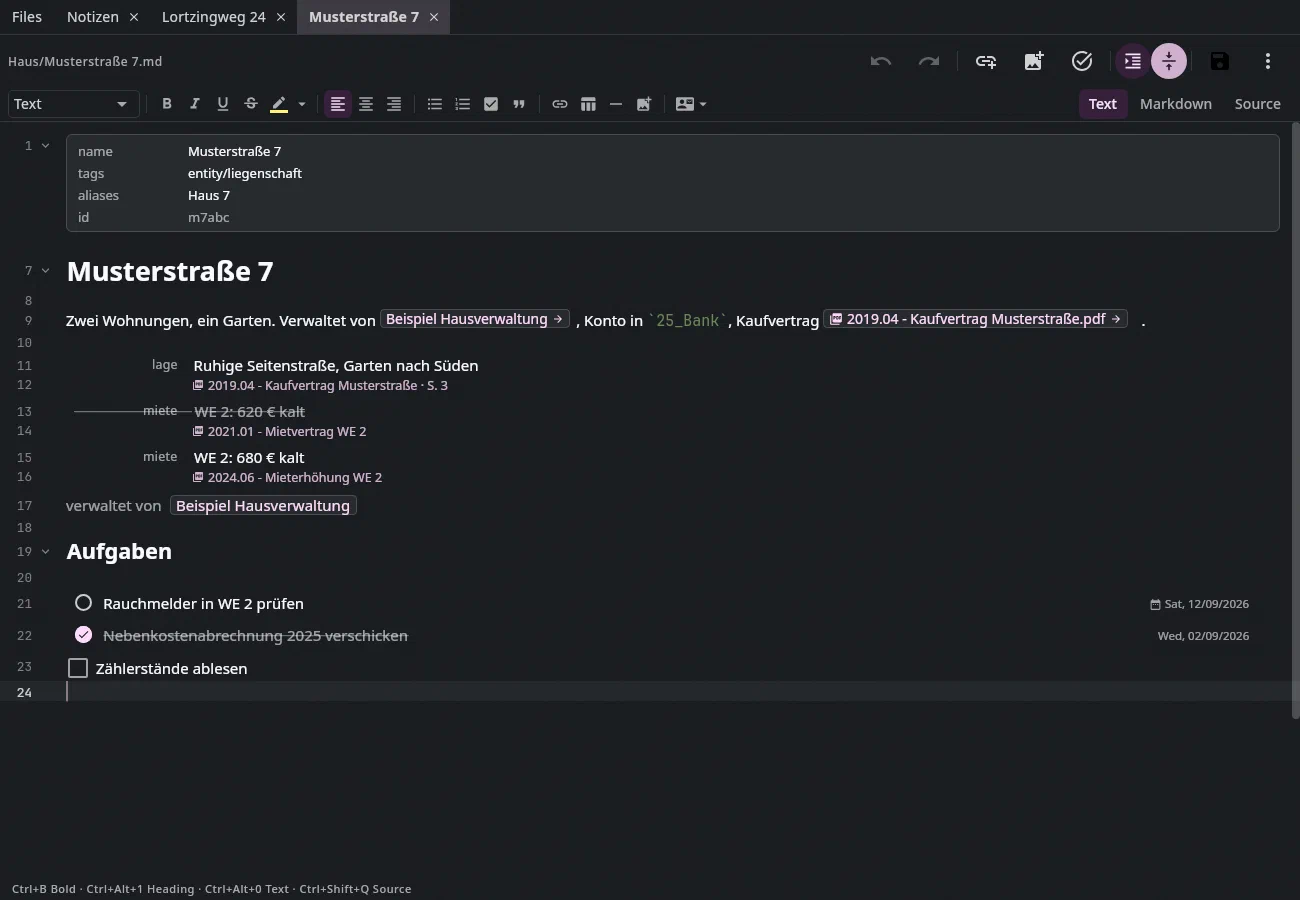
In the Text view you write with a formatting bar, the way you know it from Word; the file still contains Markdown, character for character. If you want to see the characters, switch to Markdown or Source.
Tables that stay tables
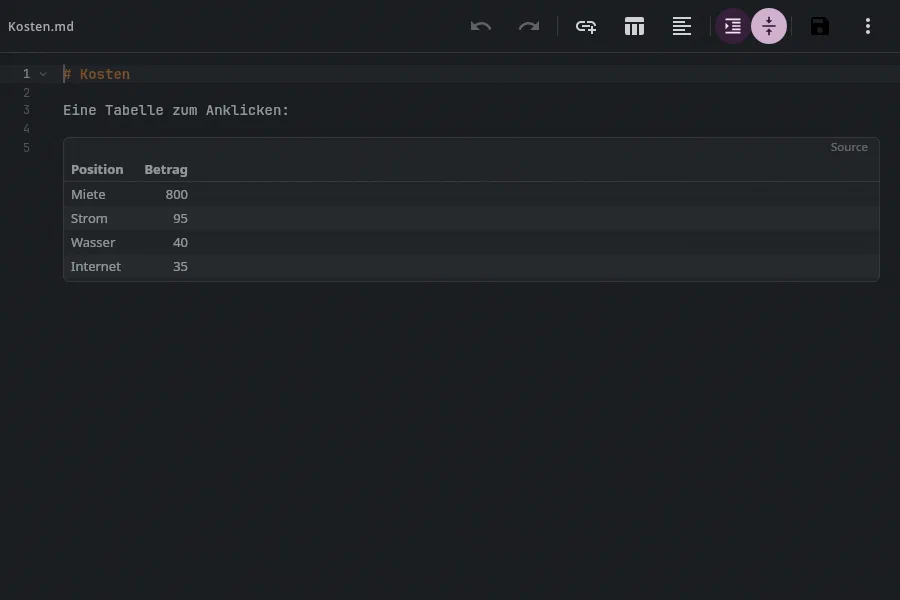
Tables are usually a chore in Markdown. Here a table stays a grid while you type:
Tabmoves to the next cell and adds a row in the last one, a right click sorts by a column. A table from a spreadsheet becomes Markdown when you paste it.Photos and audio from your phone
On your phone you take a photo or scan straight into the note, at the cursor. A recording sits in the text, and Transcribe puts the transcript below it — worked out on the device.
Links to everything
Ctrl+K⌘Klinks to a note, a document or an email; a link to an email still finds it after it has moved to another folder. The Side panel shows what links to the note.Ctrl+K ⌘KTasks in the text
Ctrl+Shift+T⇧⌘Uturns a checkbox into a task, with date, reminder and everything that goes with it. In a project or area note every checkbox is a task card, with its details on the right.Ctrl+Shift+T ⇧⌘U TasksLetters
Address, information block to DIN 5008, columns, signatures, header and footer: the Letter button sets them, and preview and print lay out the letter.
Saving without thinking about it
A note is saved when you leave it, and every save is a version in the history. It only saves while the version you started from is still on disk — so Undan never overwrites a change Syncthing has just brought from another device.
Find and arrange
The list searches titles before full text,
Ctrl+F⌘Fsearches the note and, pressed again, all notes. The Note structure shows the outline; drag sections to a new place by their handle. Two notes can be merged, and links to the old one still find their way.Ctrl+F ⌘F Ctrl+R ⌥⌘F Alt+7 ⌘7Spelling
Unknown words get a red wavy line, German, English and Swedish at once, and the spell check already knows your contacts' names. Your own dictionary lives in the archive and travels with it.
With AI, if you want it
Select what you jotted down and say what should happen — “turn this into a list” — and the AI shows Before and New before anything is accepted. It's off by default.
What it looks like
From the help's test archive; new pictures with Jonas Falk will follow.
Join the waitlist
We'll write to you when there's something to try — and otherwise not.